GPT Image 2 Deep Dive: Hottest Styles & Prompt Playbook
Four viral styles at a glance — blind box figurine, isometric diorama, typography poster, cinematic portrait. All generated by GPT Image 2.
GPT Image 2 Deep Dive: Hottest Styles & Prompt Playbook
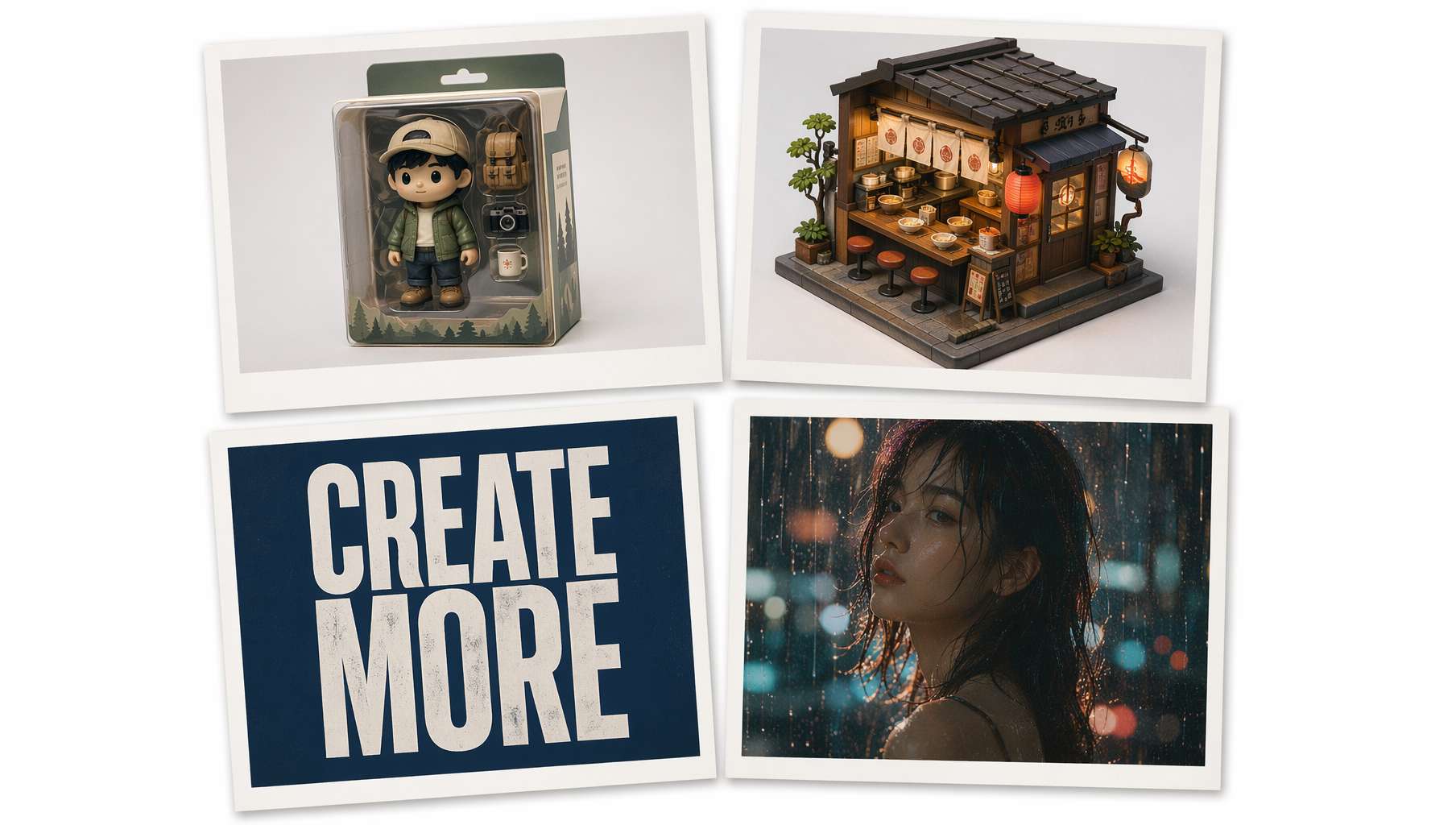 Four viral styles at a glance — blind box figurine, isometric diorama, typography poster, cinematic portrait. All generated by GPT Image 2.
On April 21, 2026, OpenAI released GPT Image 2 (model name gpt-image-2). Within just 12 hours, it claimed the #1 spot on Image Arena with a crushing +242 point lead — the largest margin in the leaderboard's history.
Overnight, social media timelines were flooded with blind box figurines, movie posters, Pixar characters, and pixel-perfect typography. This wasn't just a model upgrade — it marked the turning point where AI image generation went from "usable" to "actually good."
This post breaks down GPT Image 2's core capabilities, highlights the community's hottest creative styles, and provides copy-paste prompt templates you can use right away.
Three Core Breakthroughs
1. Text Rendering: No More Gibberish
The biggest pain point in previous AI image models was text. No matter how precise your prompt, the output would always have misspellings, missing strokes, or garbled characters. GPT Image 2 delivers a quantum leap here — multilingual text accuracy exceeding 95%.
This means it can correctly render not only English headlines but also Chinese characters, Japanese text, and even mixed-language layouts in a single image.
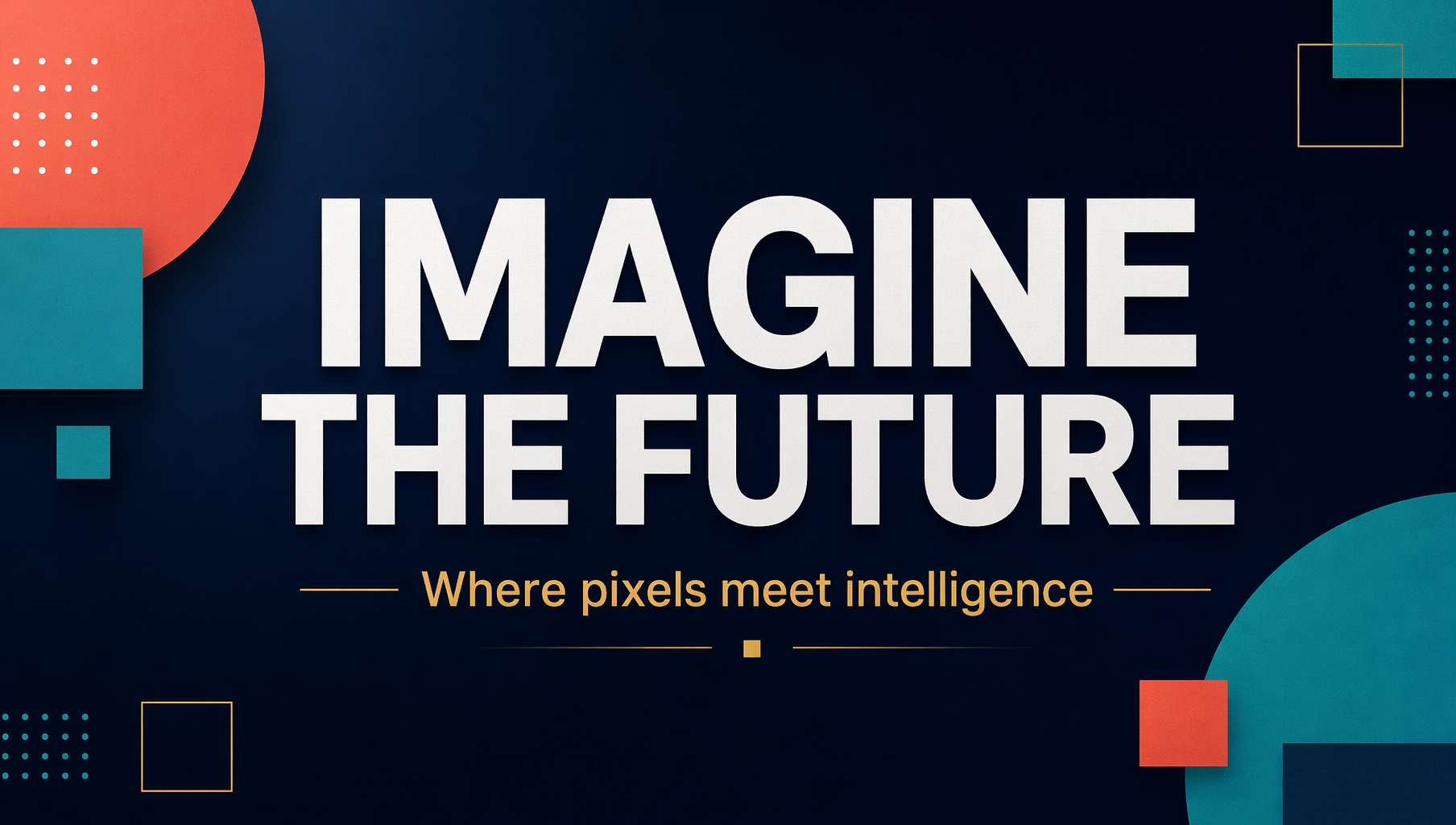 Typography poster style — large headline, small annotations, geometric accents with clean visual hierarchy
Practical use: Generate posters, banners, and social media graphics directly — skip the Photoshop text overlay step entirely.
2. Native 2K + 4K Upscaling
GPT Image 2 outputs at native 2K resolution with 4K upscaling support. Compared to the previous generation's 1024×1024 "postage stamp" size, you can finally use AI-generated images for print and large-screen displays.
3. Reasoning Before Generating
GPT Image 2 no longer works as simple "keyword matching → output image." Like the o1 model, it reasons before generating — understanding instruction layers, inferring logical scene layouts, and autonomously deciding composition. This dramatically improves stability in complex scenes (150+ elements).
Hottest Community Styles
After launch, the community quickly discovered a wave of viral creative formats. Here are the most popular ones, each with real prompt examples from GitHub communities (awesome-gpt-image-2, awesome-gpt-image).
Action Figure Blister Pack
The first style to go viral on TikTok and Xiaohongshu. Turn any person, character, or concept into a "blind box figurine" complete with transparent blister packaging and illustrated cardboard backing.
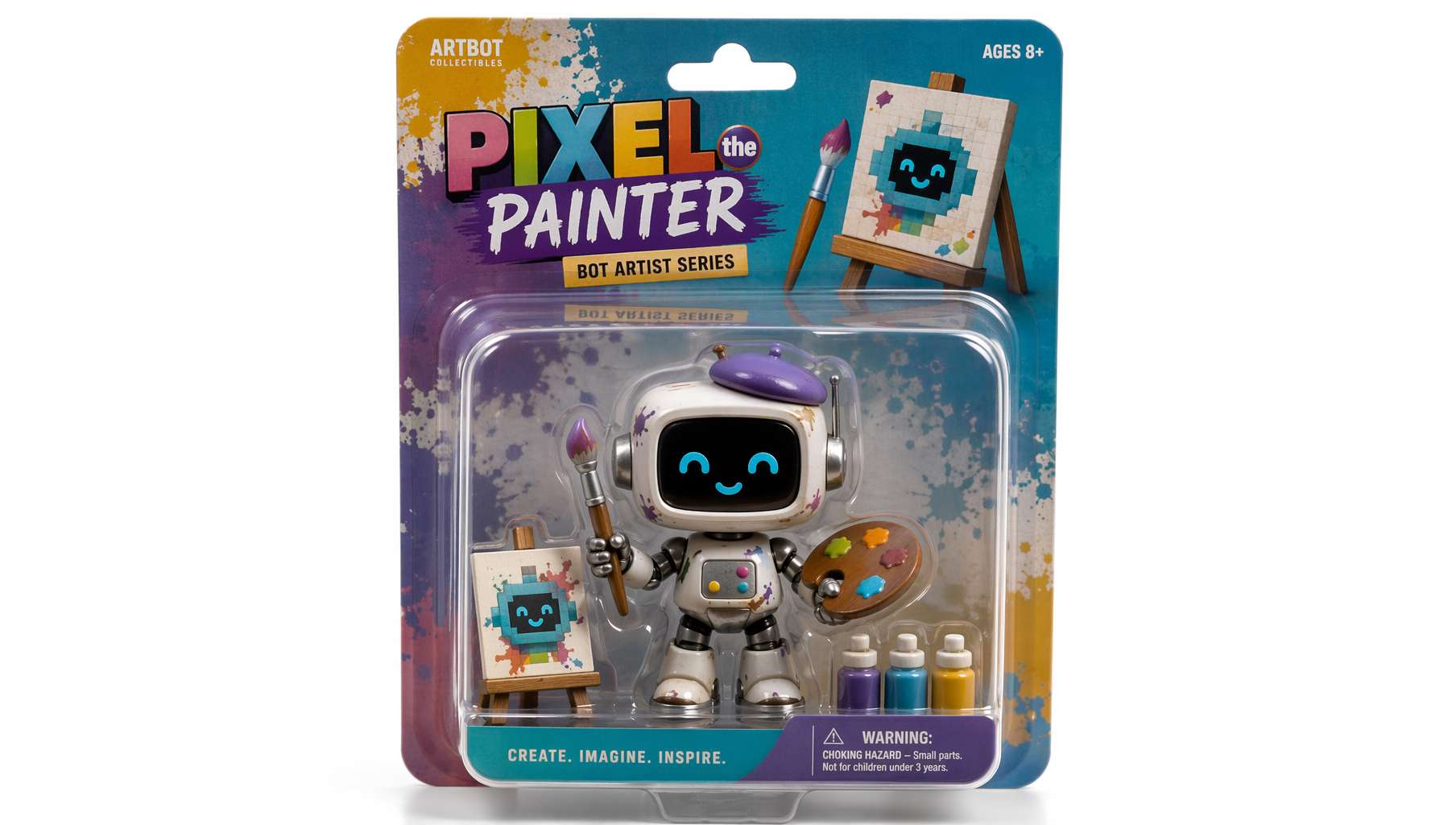 Robot artist blind box — transparent packaging with accessories included
Prompt Template:
A stylized action figure of [your character description] sealed inside a premium transparent plastic blister pack mounted on a colorful illustrated cardboard backing. The figure holds [accessory description]. Soft studio product photography lighting, shallow depth of field, white background.
Pro tip: Replace [your character description] with "a programmer in a plaid shirt" or "a product manager holding a latte" for an instant coworker figurine series.
Isometric Diorama
A 45° top-down miniature model scene, detailed enough to look like a Nintendo game screenshot. Perfect for showcasing spatial concepts — cafes, bedrooms, studios, or entire street blocks.
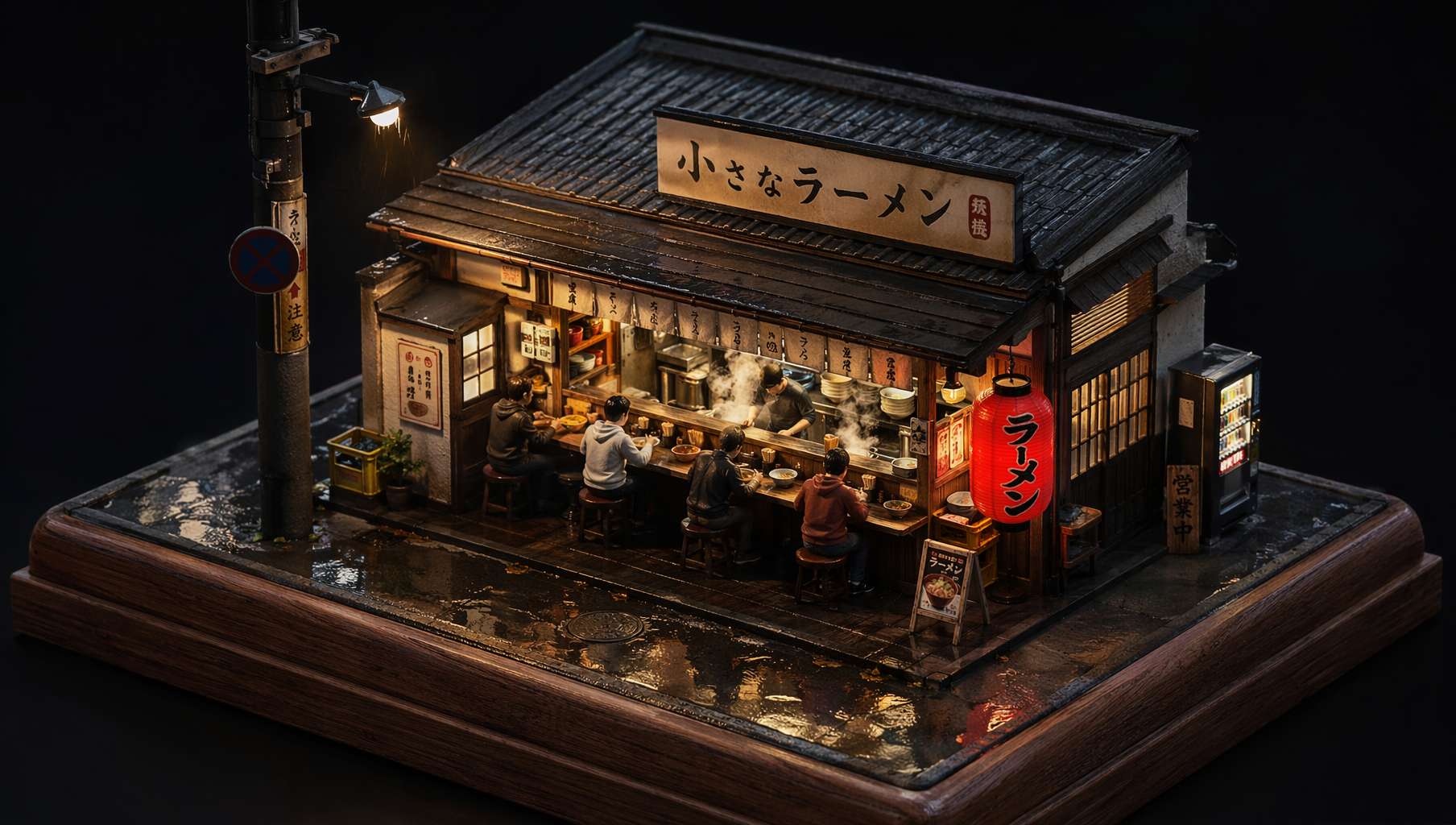 Rainy night ramen shop — warm light spilling through windows, rain reflections on the street
Prompt Template:
A 45-degree top-down isometric miniature 3D diorama of [scene] on a wooden display base. [Detail description: lighting, figures, weather]. PBR materials with soft shadows, tilt-shift depth of field.
Cinematic Film Still
Specify the film stock (Kodak Vision3 500T), lens type (anamorphic), and color grading (teal & orange) to get images that look like actual movie stills.
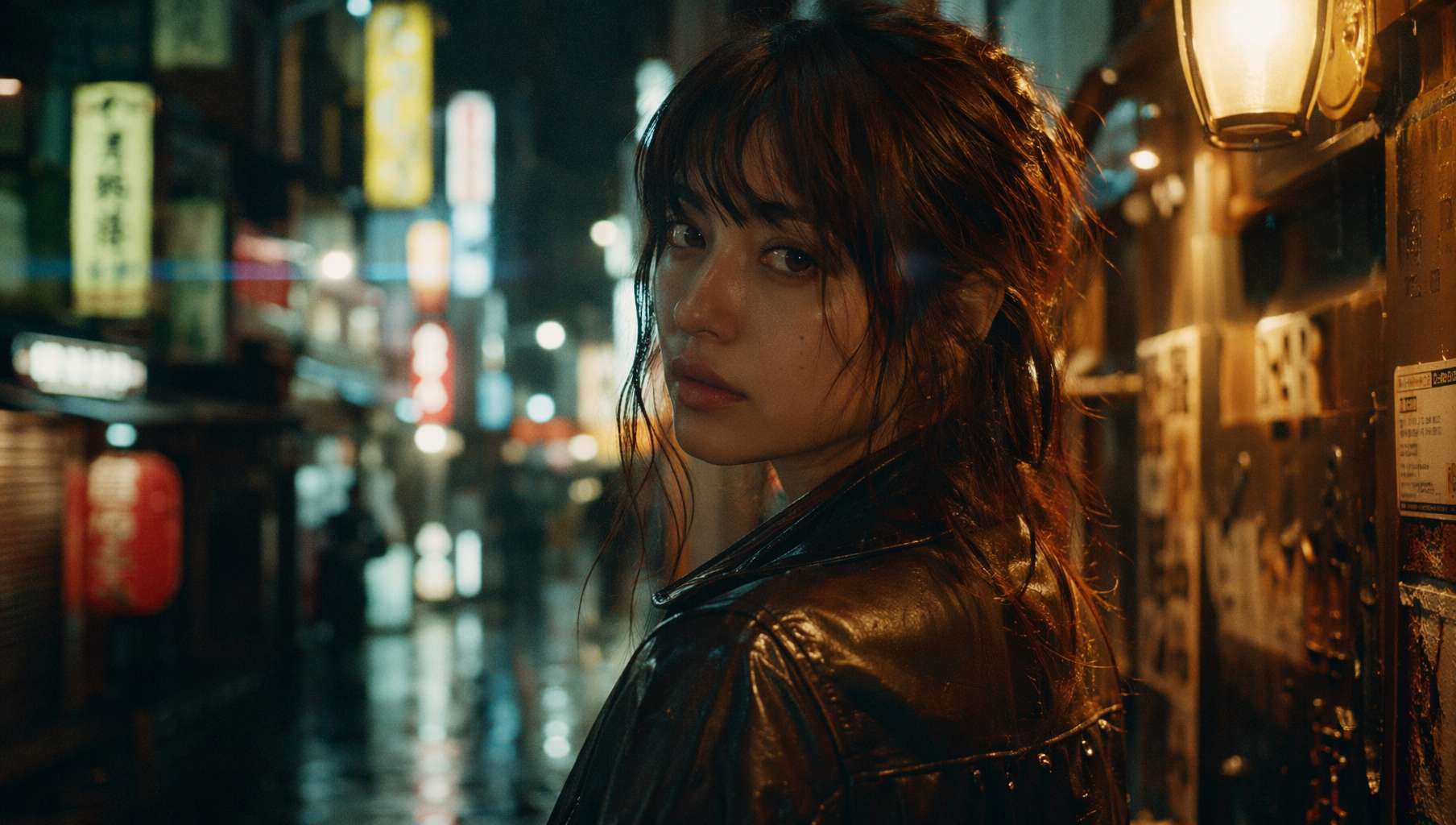 35mm film aesthetic — rainy Tokyo night, neon bokeh, visible grain
Prompt Template:
A cinematic still shot on Kodak Vision3 500T 35mm film stock. [Person/scene description]. Bokeh from [background light source] in background, visible film grain, anamorphic lens flare, shallow depth of field, moody color grading with [highlight color] highlights and [shadow color] shadows.
More Viral Formats
| Style | One-liner | Popularity |
|---|---|---|
| Pixar 3D Character | Turn real photos into Pixar animation characters | Most shared on social media |
| UI Mockup | Generate high-fidelity app interfaces directly | Designer favorite |
| Retro Propaganda Poster | 1980s aesthetic + modern content = maximum contrast | Best meme material |
| Product Packaging | Complete packaging design for fictional brands | E-commerce essential |
| 360° Panorama | 2:1 equirectangular projection, VR-ready | Cutting-edge technique |
Curated Prompt Templates
These 5 templates come from real community-tested examples on GitHub.
Template 1: RAW Phone Photography
Create a completely RAW quality, unprocessed image with full iPhone camera quality. [Scene description]. Natural lighting, slight motion blur, no post-processing, authentic handheld camera feel.
Best for: Scenes where you want "authentic" rather than "polished" — perfect for social media content.
Template 2: Game Screenshot
A [game title] gameplay screenshot showing [scene]. Include authentic HUD elements: health bar, minimap, ammo count, mission objective text. In-engine rendering quality, native resolution.
Viral example: "A Hitman level where you are in the OpenAI HQ and your mission is to steal GPT-6 without getting caught" — this prompt got 430K views on X.
Template 3: E-commerce Product Shot
A close-up product photograph of a [product] standing upright on a [surface material]. [Label/text details]. Shot with 85mm f/1.8, soft diffused key light from upper left, subtle fill light, clean gradient background.
Best for: Startups that need quick product concept visuals without a full photo shoot budget.
Template 4: Retro Trading Card
A premium holographic trading card, vertical 3:4 layout. Center: [character/subject] in dynamic pose. Card title "[name]" in embossed gold foil at top. Stats panel at bottom. Iridescent rainbow refraction on card surface.
Template 5: Chinese Typography Poster
A modern Chinese tea brand launch poster. Brand name "「brand name」" in calligraphy font centered, subtitle "「subtitle」" in thin gothic font. Product tea drink placed in the lower third. Background uses gradient ink wash landscape. Color palette: ink green and gold.
Tip: GPT Image 2's Chinese text rendering accuracy is already impressive, but keeping key text under 15 characters yields the best results.
Who Is It For?
| Role | Use Case | Recommendation |
|---|---|---|
| Designers | Quick concepts, mood boards, typography drafts | Must-use |
| Content Creators | Blog images, social media assets, video thumbnails | Must-use |
| Developers | App UI prototypes, product demo screenshots | Recommended |
| Brands/E-commerce | Product concepts, packaging design, ad creatives | Recommended |
| Everyone Else | Fun creations, avatars, memes | Just fun |
Final Thoughts
GPT Image 2 isn't just about "better-looking images." The text rendering breakthrough gives it genuine commercial value, reasoning-based generation makes complex compositions reliable, and native 2K resolution fills the last missing piece.
Of course, it's not perfect — complex Chinese typography occasionally fails, and fingers at extreme angles can still sprout an extra one. But as the image generation benchmark of mid-2026, GPT Image 2 has genuinely redefined what "AI can draw."
If you haven't tried it yet, open ChatGPT and start with a blind box figurine.
Resources
- awesome-gpt-image-2 — 2000+ prompt library, updated daily
- awesome-gpt-image — Curated prompts from top creators on X
- OpenAI Official Prompting Guide
- GPT Image 2 API Docs
Written with pixocto · Images generated by GPT Image 2