
GPT Image 2.5 AI Inpainting
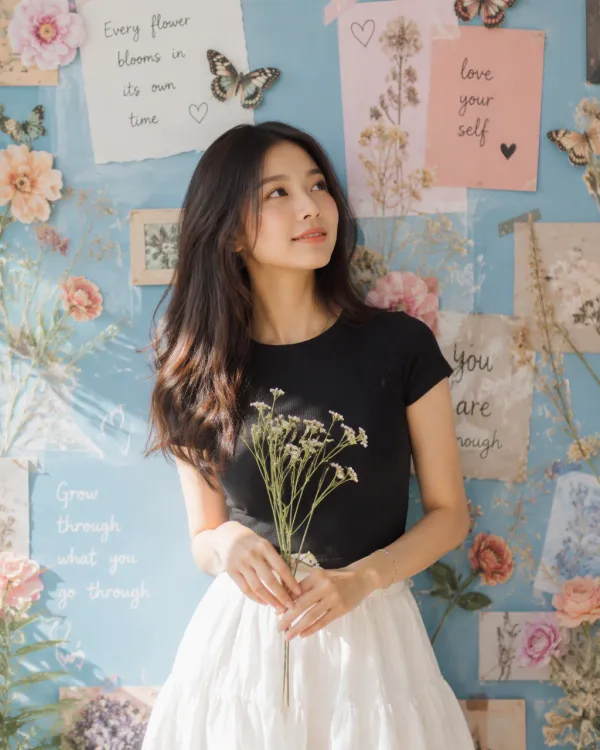
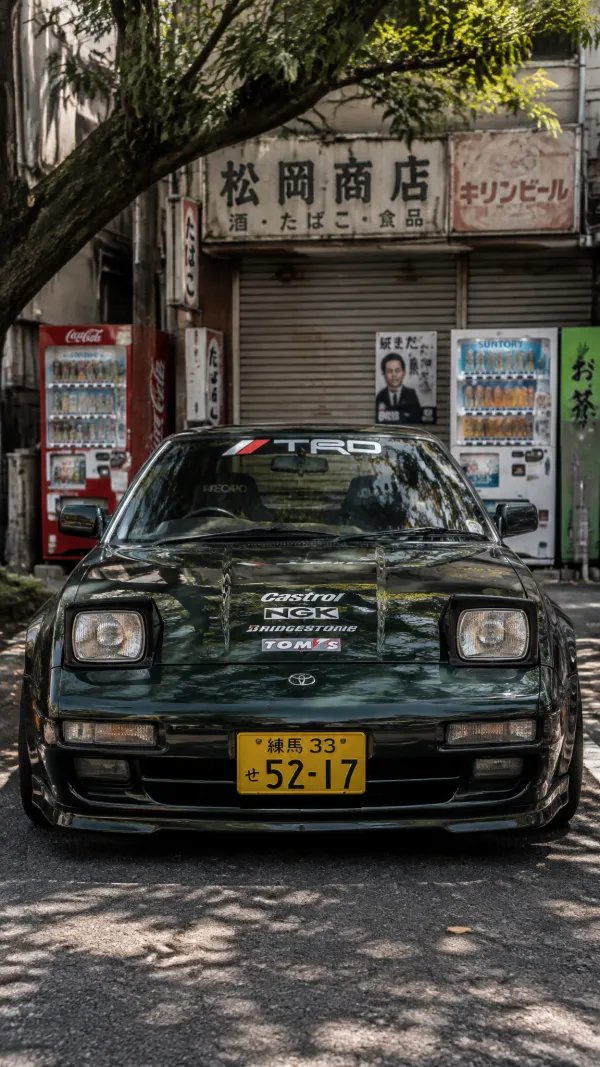
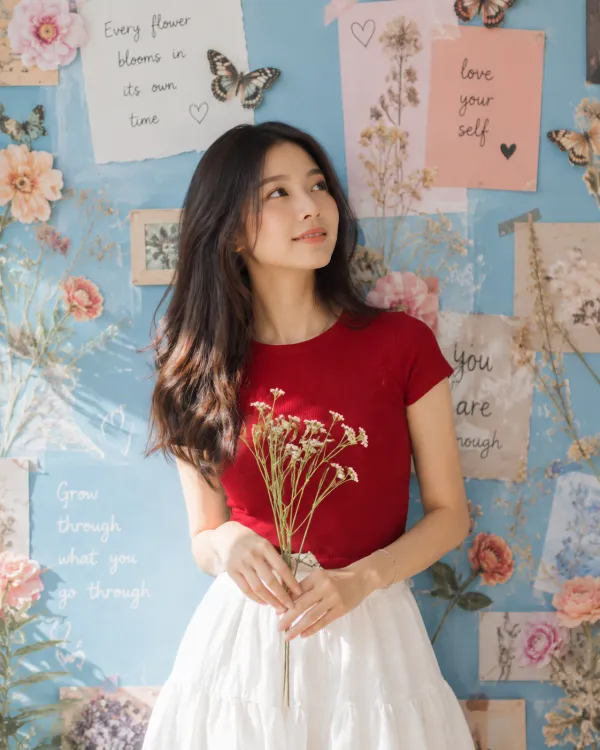
Brush over a selected area and use GPT Image 2.5 Sunburst’s local image understanding and precision editing to replace content, remove objects or retouch details for product photos, outfit changes and ad creative while preserving the original subject, composition and lighting.
Edit an image in three steps
1·Upload an image
Upload a local image or choose one from your library.
2·Choose an area
Brush over the area and describe your changes.
3·Generate and download
Hover over the generated image and click download.
Frequently asked questions
This editor uses OpenAI’s GPT Image 2.5 Sunburst. It generates and edits images using text and reference images, with a focus on precise control for detailed creative work such as product imagery and campaign assets.
GPT Image 2.5 offers more reliable localized edits that better preserve the original subject, composition and surrounding details, improved reference-image fidelity, and greater consistency across successive edits. Sunburst prioritizes editing precision with longer generation times. Results still depend on the image and instructions.
Replace parts of an image, remove unwanted objects or retouch details. Upload an image, brush over an area and describe the change you want.
The selection guides the model toward the area to edit. It aims to preserve other content, but unselected pixels are not guaranteed to remain identical.
PNG, JPG/JPEG and WebP are supported, up to 20 MB per image.
Name the object, describe the desired change and say what to preserve. For example: “Make the shirt red, keep its fabric texture, and preserve the person and background.”